
- Your cart is empty
- Continue shopping
- Home
- Page
Frequently asked questions
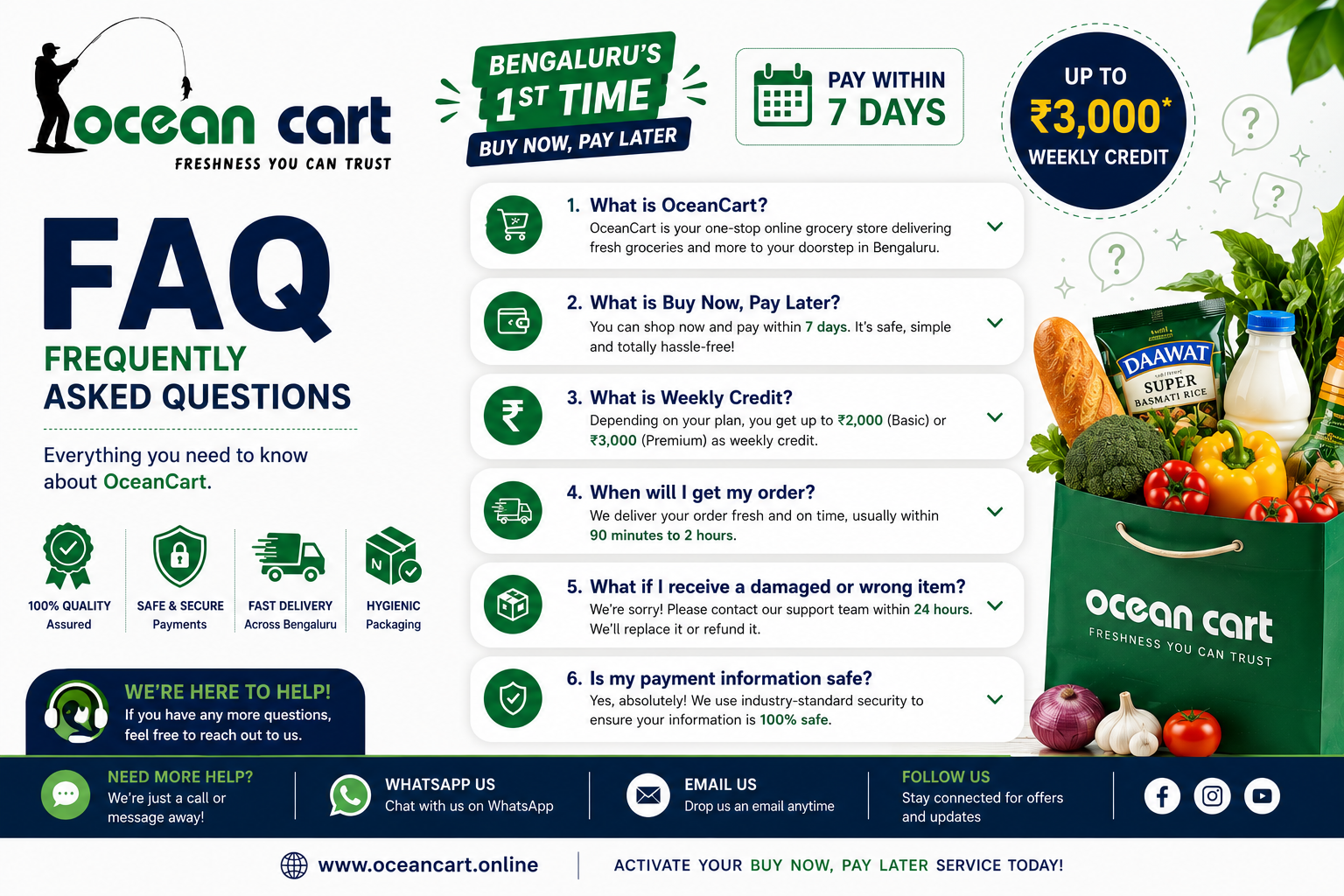
OceanCart is Bengaluru’s first Buy Now, Pay Later delivery platform for fresh seafood, grocery ,vegetables and other essential products. We offer premium-quality seafood, delivered fresh to your doorstep across Bengaluru, with the convenience of paying within 6 days. OceanCart is committed to providing hygienically packed, carefully handled, and fresh products with a seamless shopping experience.
We currently deliver across Bengaluru Electronic City and are expanding our service areas regularly.
Yes. OceanCart offers a convenient Buy Now, Pay Later option, allowing eligible customers to pay within 7 days.
Any Bengaluru resident can apply for Buy Now, Pay Later. Approval is subject to basic verification and valid contact details. Hostel, PG, apartment, and residential customers are all welcome to use this facility.
Yes. Buy Now, Pay Later is available for customers staying in Hostels and PG accommodations. Hostel and PG residents must provide a valid government-issued ID proof such as Aadhaar Card, Driving Licence, Voter ID, or Passport for verification purposes.
Eligible customers can pay within 6 days from the date of delivery.
No. OceanCart does not charge any hidden fees or interest for eligible Buy Now, Pay Later orders.
Yes. OceanCart reserves the right to approve, reject, or limit Buy Now, Pay Later orders based on verification, order value, delivery location, and customer history.
OceanCart’s Buy Now, Pay Later facility allows customers to pay within 7 days from the date of delivery.
Example:
If you receive your order on Monday, payment must be completed by Sunday before 10:00 PM.
We provide an additional 1-day grace period as a courtesy. No extra charges will be applied during the grace period.
If payment is not received after the grace period:
- Day 8: ₹10 late fee
- Day 9: ₹20 late fee
- Day 10: ₹30 late fee
A late fee of ₹10 per day will be charged until the outstanding amount is cleared.
Customers with overdue payments may also have their Buy Now, Pay Later privileges temporarily suspended until all dues are settled.
Finding your OceanCart Customer ID is easy:
- Log in to your OceanCart account.
- Go to the My Account page.
- Click on the Dashboard tab.
- Your Customer ID will be displayed at the top of the dashboard.
Example:
OceanCart Customer ID: OC1000
You can easily view your credit information by following these steps:
- Log in to your OceanCart account.
- Go to the My Account page.
- Click on the Dashboard tab.
On the Dashboard, you can view:
- Outstanding Due (e.g., ₹0.00)
- Repayment Date
- Late Fee (if applicable)
- Overdue Days
- Other credit-related details
This section is updated based on your account status, making it easy to track your outstanding balance and repayment information.
Still have more question? Leave here